Animal Daycare Controls & UI Orientation
Find inspection, care, and camera tools fast before the next arrival spikes.
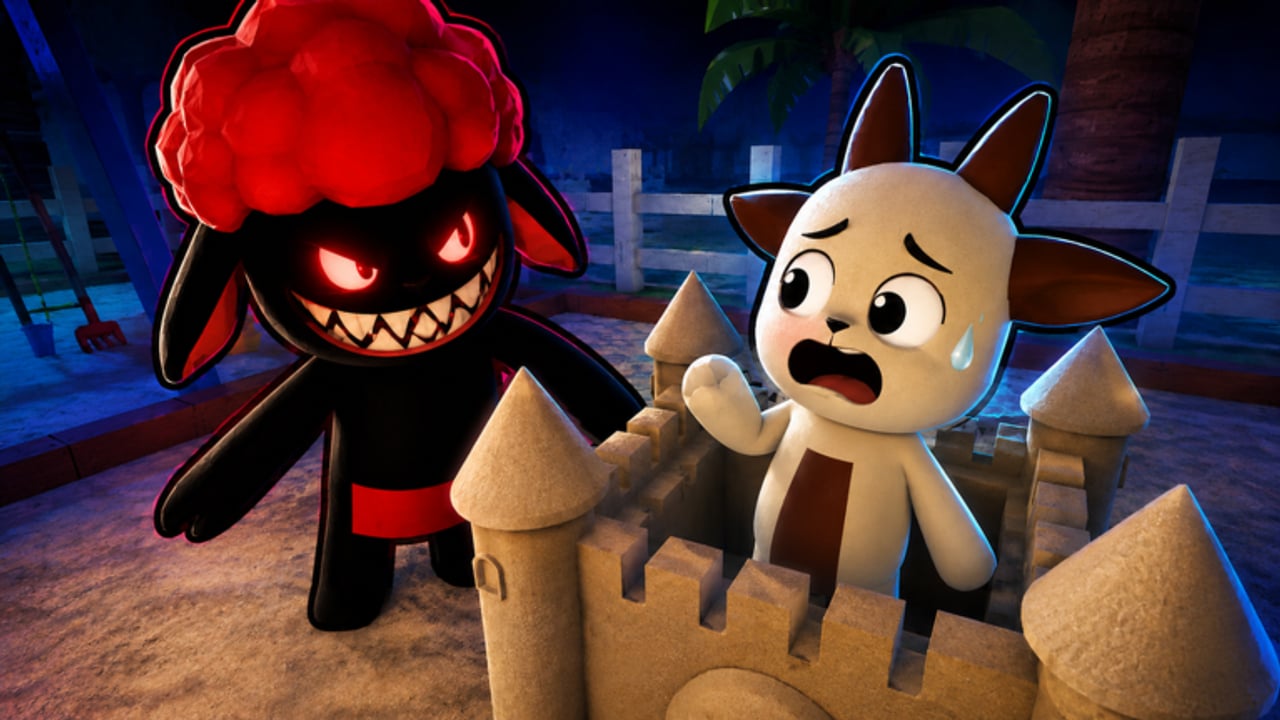
Animal Daycare (Anomaly) uses familiar Roblox movement, but the daycare UI is what decides whether you reject in time or fumble while an impostor walks in. This page is the orientation layer for new staff: where to look, what to bind in your brain, and how to keep hands free for the real verbs — inspect, admit/reject, feed, calm, camera, survive night.
Default Roblox movement (baseline)
| Action | Typical default |
|---|---|
| Move | WASD |
| Jump | Space |
| Camera | Mouse / right stick |
| Interact | E / tap prompt (device dependent) |
| Shift lock / first person | Standard Roblox toggles |
If your device differs (touch, gamepad), open Roblox settings before a serious run. Do not learn remaps during night one.
Daycare-specific UI you must locate in the first five minutes
Exact labels can shift after patches (Updates), but you should identify:
- Inspection / desk flow — the place where arrivals are judged
- Admit and reject actions — the binary (plus delay) that defines the game
- Care prompts — feed, calm, and mini-game interactables
- Camera monitors — views used to catch hidden impostors
- Status readouts — child stress / task indicators if shown on HUD
- Settings / menu — where a future Codes button might appear (How to Redeem Codes)
Walk the map once without admitting anyone just to tag these locations. That scouting lap pays for itself.
Inspection ergonomics
Good inspection posture:
- Face the arrival with a clean camera angle
- Avoid sprinting past the model mid-read
- Keep chat collapsed if text covers the guest
- On controller, raise sensitivity only if you can still track faces
Full clue methodology lives in How to Spot Impostors. Controls only make sure your hands can execute that methodology.
Camera UI habits
- Know how to enter and exit camera views without getting soft-locked in menus
- Sweep in a fixed order (left-to-right monitors, or numbered cams)
- Exit cameras on a timer so care does not die
- In co-op, say the camera name before the suspicion (“cam 2 odd eyes”)
Camera Specialist players should practically muscle-memorize exit → door → care transitions. See Tier List Hub.
Care interaction habits
- Stand close enough for prompts to appear before spamming keys
- Finish an interact before pivoting 180 degrees into another kid
- Do not start a mini-game if your reject keybind brain is still mid-door crisis
- Route tips: How to Care for Children
Night UI realities
Darkness and effects can hide prompts. Before night:
- Raise brightness if needed within comfortable limits
- Remember physical locations, not just HUD icons
- Agree on meeting points so teammates are not describing “that room” vaguely
Then run How to Survive Night.
Co-op communication is a control
Your keyboard includes Enter for chat. Use it as a tool:
- HOLD / CLEAR / REJECT / CAM / CARE
- Avoid paragraph callouts mid-event
- Mute music if it masks callouts you need to hear from friends on voice
More culture notes: Co-op Tips.
Accessibility and comfort
- Take breaks; anomaly games spike stress on purpose
- Lower scare volume if it helps you keep reading clues
- Use solo sessions to learn UI without social pressure (Solo Guide)
- Avoid executors that promise “auto interact” — unsafe and unnecessary (Scripts Hub)
After patches: re-orient
When Day Dreams Games ships an update, UI can move. Re-run a five-minute orientation lap and skim Patch Notes. If a redeem panel appears, update your mental map and visit the Codes Hub.
Quick start binding checklist
- Confirm move / jump / interact on your device
- Find desk admit/reject flow
- Find at least one care cluster
- Find camera room / monitors
- Practice exit from cameras twice
- Play a low-stakes wave using Getting Started habits
- Keep the Impostor Checklist open on a second monitor or phone
Related pages
- Guides Hub — all walkthroughs
- Getting Started — first session plan
- How to Spot Impostors — what to do with clean camera control
- How to Care for Children — prompt routing
- Tools Hub — practical checklists beyond raw controls
Frequently Asked Questions
Quick answers to the most common questions.
Are Animal Daycare controls different from normal Roblox?
Movement is standard. The important part is locating inspection, care, and camera UI quickly.
What should I learn first in the UI?
Admit/reject flow, then care prompts, then camera monitors. Scout them before a serious night.
Why do I miss prompts at night?
Effects and panic hide UI. Memorize physical locations and finish pre-night prep early.
Do I need custom keybinds?
Only if defaults feel bad on your device. Change them in Roblox settings before a ranked tryhard session — not mid-impostor.
Where do I go after learning controls?
Return to Getting Started or jump into How to Spot Impostors.